

Create Your Presentation and First Version
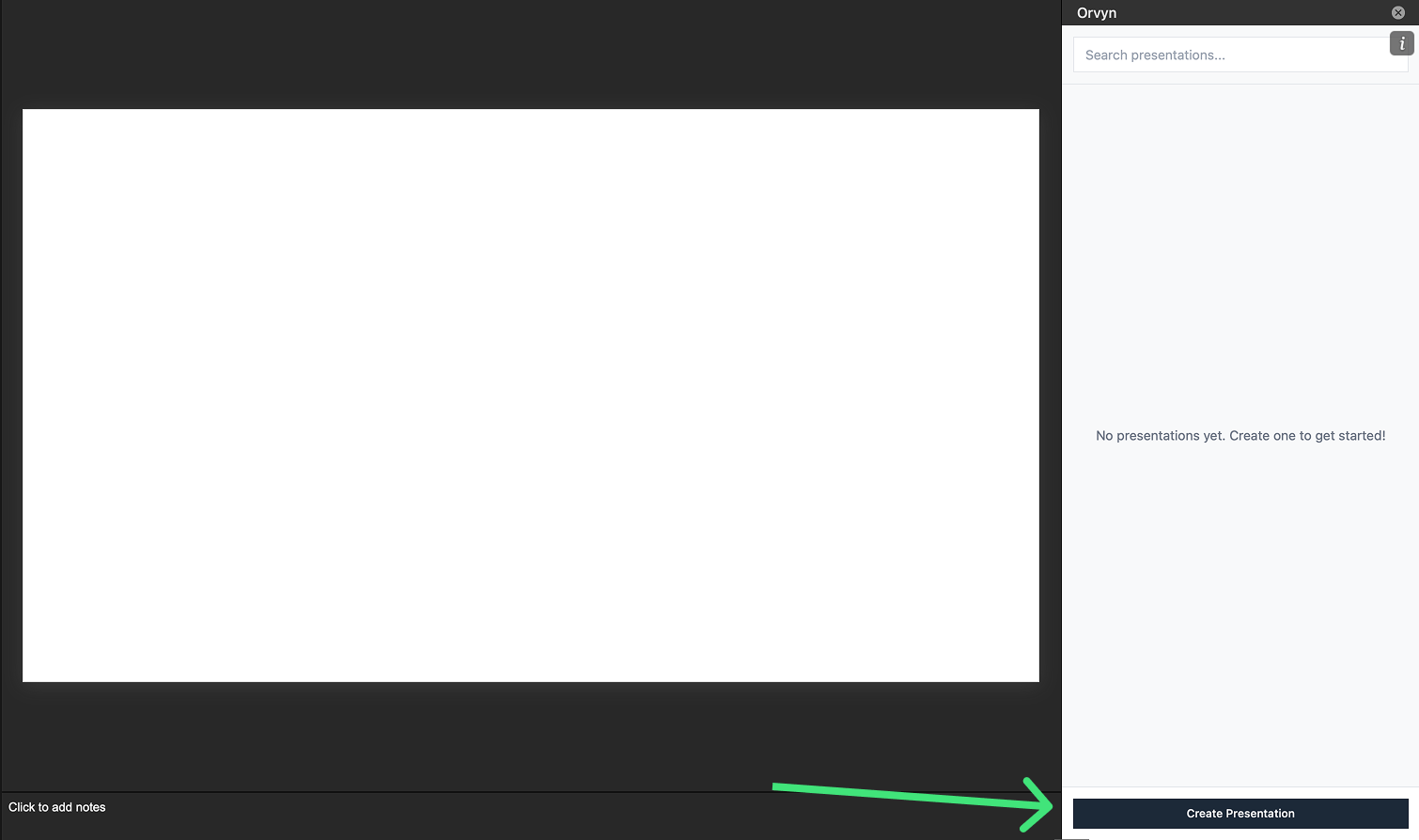
- Click the Create Presentation button at the bottom of the Orvyn sidebar
- Set the Presentation Name (e.g., “Q4 Financial Report”)
- Set the Version Number (e.g., “1”)
- Enter a Version Description (e.g., “Draft 1”, “Client Review”)
- Click Create
Understanding Presentations and Versions
Think of presentations as your client files and versions as saved drafts:- Presentations keep all versions of a deck organized in one place
- Versions let you make changes without losing your previous work